Make Responsive
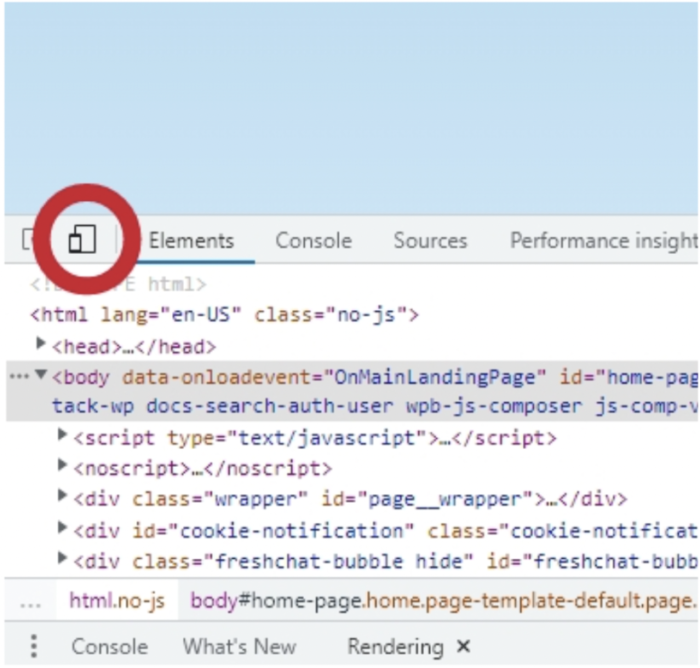
You need to update the camera’s aspect ratio and the renderer’s size whenever the container or window resizes to make you scene responsive.
- Listen for resize events (either on
windowor on the container element usingResizeObserver). - Update the camera:
camera.aspect = width / height;camera.updateProjectionMatrix(); - Update renderer:
renderer.setSize(width, height); - Invoke when the scene mounts and resize:
// resize handler
function resize() {
    const width = canvas.clientWidth;
    const height = canvas.clientHeight;
    camera.aspect = width / height;
    camera.updateProjectionMatrix();
    renderer.setSize(width, height);
}

window.addEventListener('resize', resize);

// cleanup - to prevent memory leaks
return () => window.removeEventListener('resize', resize);
If you're using a container, it's better to use ResizeObserver (because it observes the canvas's parent):
const observer = new ResizeObserver(resize);
observer.observe(canvas.parentElement);

return () => observer.disconnect();
Using a ResizeObserver will ensure the scene adapts even when the container changes size for reasons other than window resize.