Animate
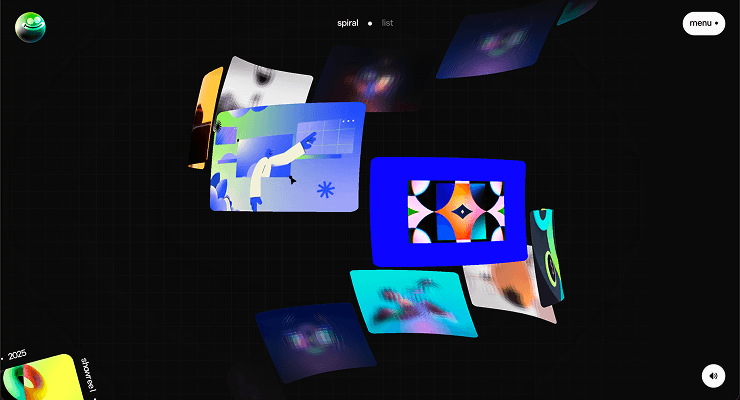
You can animate with three.js. here's info on how to animate with three.js.
I tend to animate my three.js with the gsap library.. you can animate any numeric property on any javascript object in gsap. Gsap can animate Vector3, Object3d, and much more.. Three.js objects are just JavaScript objects with numeric properties, and GSAP tweens numbers.
import gsap from 'gsap';
import * as THREE from 'three';

// GSAP can tween any object's numeric properties
const obj = { x: 0, y: 0 };
gsap.to(obj, { x: 10, y: 20, duration: 1 });
You apply this to Three.js objects the same way — you create a plain object as a "target," tween its properties, then apply them back to the Three.js object in an onUpdate callback.
animating three.js object's position
You can't directly tween mesh.position because it's a Vector3 with methods, not plain properties — so you create a plain JS proxy object.
import gsap from 'gsap';

const mesh = new THREE.Mesh(geometry, material);
scene.add(mesh);

// Create a plain JS object to tween
const target = { x: 0, y: 0, z: 0 };

gsap.to(target, {
    x: 5,
    y: 3,
    z: -2,
    duration: 2,
    ease: 'power2.out',
    onUpdate: () => {
        // this is where the magic happens
        mesh.position.set(target.x, target.y, target.z);
    },
});
animating object's rotation
rotation is a Euler, also not plain properties — same proxy approach:
const target = { x: 0, y: 0 };

gsap.to(target, {
    x: Math.PI * 2, // full rotation
    y: Math.PI,
    duration: 3,
    ease: 'power1.inOut',
    onUpdate: () => {
        mesh.rotation.x = target.x;
        mesh.rotation.y = target.y;
    },
});
animating ShaderMaterial
This is even simpler because uniforms are plain objects.
// overlayMaterial.uniforms.uAlpha is { value: 1.0 }
gsap.to(overlayMaterial.uniforms.uAlpha, {
    duration: 3,
    value: 0, // -- GSAP tweens the `.value` property directly
});
No onUpdate needed — GSAP tweens the uniform's value property directly, and Three.js picks it up on the next render.
animating color
Three.js Color objects, use GSAP's built-in color interpolation:
const material = new THREE.MeshStandardMaterial({ color: 0xff0000 });

gsap.to(material.color, {
    r: 0, // 0-1 range
    g: 0,
    b: 1, // result: blue
    duration: 1,
});
Or with hex strings (GSAP converts them):
gsap.to(material.color, {
    value: '#00ff88',
    duration: 1,
});
timelines
You can sequence multiple Three.js animations with GSAP timelines.
const startPos = { x: player.position.x, z: player.position.z };

this.knockbackTimeline = gsap.timeline();
this.knockbackTimeline.to(startPos, {
    x: clampedX,
    z: clampedZ,
    duration: 0.3,
    ease: 'back.out',
    onUpdate: () => {
        player.position.x = startPos.x;
        player.position.z = startPos.z;
    },
});
// You can chain more tweens with .to(), .fromTo(), etc.
good tips to know
- Always kill old tweens before creating new ones on the same target —
if (cameraTween) cameraTween.kill(); - You should always cleanup your animations and three.js objects so when you navigate away from the page, there won't be any memory leaks. -
gsap.killTweensOf('*'); // kills all GSAP tweens globally - Use
gsap.timeline()for multi-step sequences (move → rotate → fade) instead of nesting callbacks. - Eases work the same —
power2.out,back.out(1.7),elastic.out(1, 0.3)all apply to any numeric value.